How PlateLedger works
Theoretical depletion, reconciled by counts. Here is every screen and what it is for, in the order you meet them.
Six steps, saved as you go.
- Connect your POS. Square or Clover approve in a click and sync the menu plus 30 days of orders. No API? Skip it and use CSV imports.
- Map locations. One location maps itself. Groups tie each POS location to a PlateLedger location.
- Review your menu. Top sellers first. Map the twenty that matter; the rest can wait.
- Build recipes. Ingredients inline, quantity and unit per serving, a waste % where prep loses material.
- Opening count. What is on the shelf today. Every later number is measured from this.
- Notification email. Where alerts and the daily digest go.
Dashboard
Runs out next, sorted by days of stock with a run-out date. Open alerts. Menu items that sold without a recipe. Today's depletion and what it cost. POS connection health. A Suggested orders button when a supplier has something to order. One location at a time; switch in the header.
Alerts
Five kinds, checked every 15 minutes or on demand: below reorder point, runs out within lead time, negative stock, unmapped menu items, POS needs re-authorization. Acknowledge, snooze until a date, or let it resolve itself when the condition clears. Choose which kinds email immediately and when the digest arrives.
Ledger
The audit trail per ingredient and location: every sale, receipt, waste entry and count adjustment with time and quantity. Log waste from here with a reason; it lowers stock without touching the usage rate.
Recipes
Name it, set the yield (1 for a plated dish, 40 for a batch of salsa), add lines: ingredient, quantity, unit, waste %. A line can be another recipe, one level deep. Cost per serving updates as you type. Change a recipe any time; past ledger rows are never rewritten.
Menu mapping
Every item and modifier your POS sent, with an Unmapped filter. Map an item to a recipe with a portion multiplier for sizes. Bulk map by name does the obvious ones in one click. Modifiers map to a positive or negative ingredient amount, or a recipe; unmapped modifiers are ignored so a sale is never blocked.
Ingredients
Base unit, storage area, par level, reorder point, reorder quantity, cost per base unit, unit conversions (1 case = 24 each), and per-location overrides. Par, reorder and cost edit inline. Archive instead of delete so history stays intact.
Suppliers
Email, phone, lead time, order cutoff, delivery days, minimum order. Under each: supplier items with SKU, pack size and pack unit, cost per pack, and a preferred flag when several suppliers carry the same thing. Pack size drives the rounding.
Orders
- Suggested orders group what needs ordering by preferred supplier: par − on hand − on order, rounded up to packs.
- Draft. Edit packs, add or remove lines, notes, expected date.
- Approve (manager or owner). Auto-send suppliers get it now.
- Send. HTML order plus PDF attachment, reply-to your notification address. Or download the PDF and send it yourself.
- Receive. Packs delivered per line. Stock rises, cost updates, order becomes Partially received or Received.
Stock counts
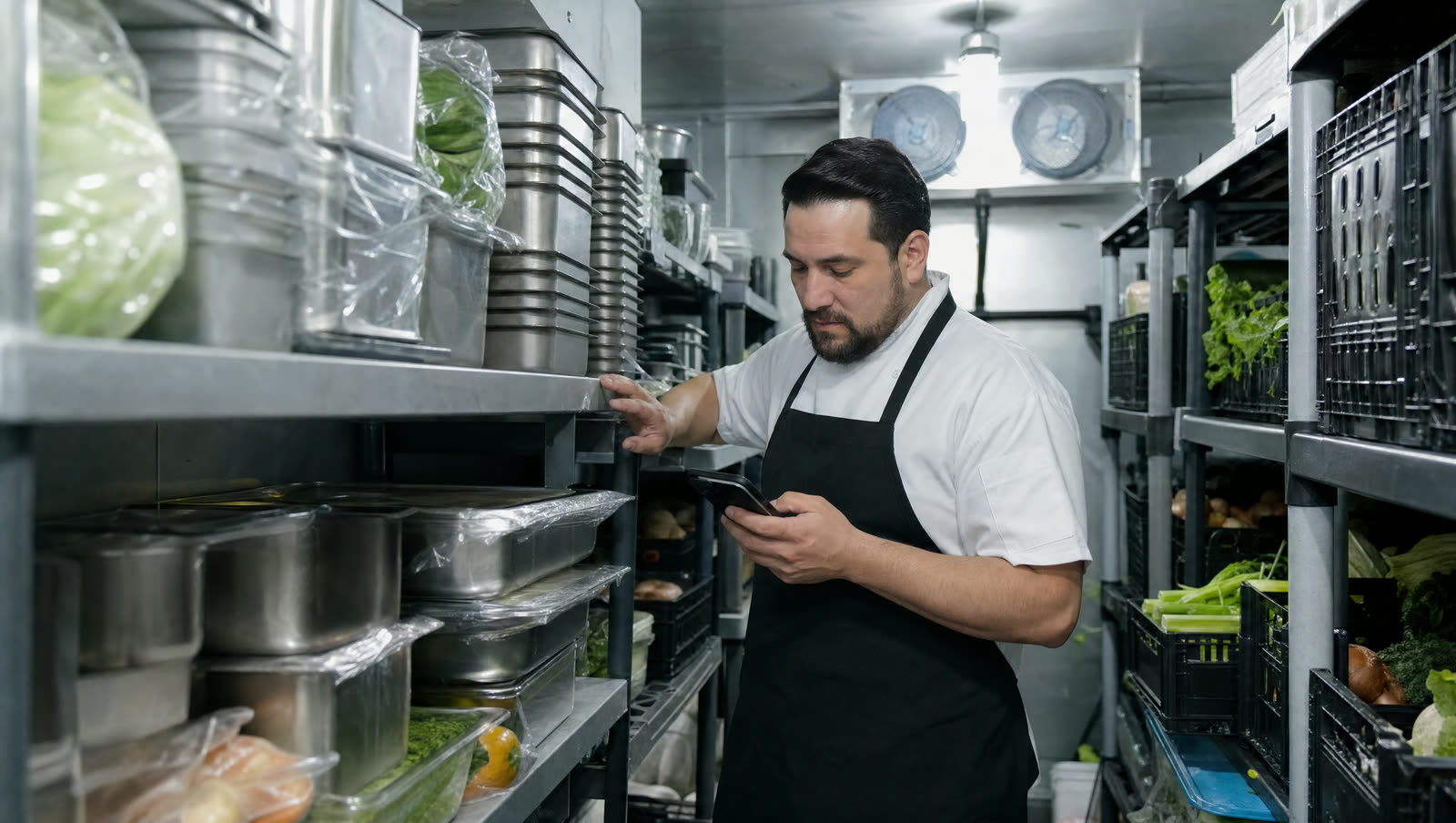
Start a count for a location (one open at a time). The sheet is built for a phone: one card per ingredient, grouped by storage area, big inputs, the conversion hint beside each field. Save as you go. Submit writes a count adjustment so on hand equals what you counted, and records theoretical versus counted for the variance report. The count applies at the time you started it, so sales during the count are not double-counted.
Imports
For POS systems without an API, or to backfill history. Choose the source (Toast, Shift4/SkyTab or Generic), preview the detected columns, fix the mapping once, resolve unmatched item names, commit. Each row becomes a sale on that business day. The same file twice is a no-op.
Six reports, any date range, one location or all.
| Report | Answers |
|---|---|
| Inventory on hand and value | What is on the shelf and what it is worth |
| Usage by ingredient | Theoretical consumption and waste for the period, with cost |
| Variance | Theoretical vs counted per ingredient, with dollar impact |
| Sales mix | Quantity sold per menu item with theoretical food cost % |
| Purchase history | Orders by supplier, sent and received totals |
| Days of stock | The "what runs out next" table with the forecast explanation |
POS systems
| POS | How | Status |
|---|---|---|
| Square | OAuth connection: menu, modifiers, orders, refunds, webhooks | Live |
| Clover | OAuth connection: one merchant per location | Live |
| Toast | Sales-mix CSV import | CSV |
| Shift4 / SkyTab | Sales-mix CSV import | CSV |
| GoDaddy POS | Direct connection | Coming |
| Anything else | Generic CSV template, or the API with a key | CSV / API |
Plain facts.
- Your data
- Each restaurant group gets its own SQLite database. Backed up nightly.
- Access
- Session cookies for people, API keys for scripts. Three roles: owner, manager, staff.
- In transit
- TLS everywhere. POS tokens are stored encrypted and can be re-authorized or disconnected from Settings.
- Leaving
- Every report exports CSV, and the API returns everything the app shows. No lock-in by omission.
Roles
| Owner | Everything, including billing, members, API keys, deleting the org |
| Manager | Everything except billing, members, API keys |
| Staff | View, run stock counts, log waste, acknowledge alerts |